Is this your problem? #
The fix is for you if:
- You play the game through CrossOver, NotProton or similar Wine-based software.
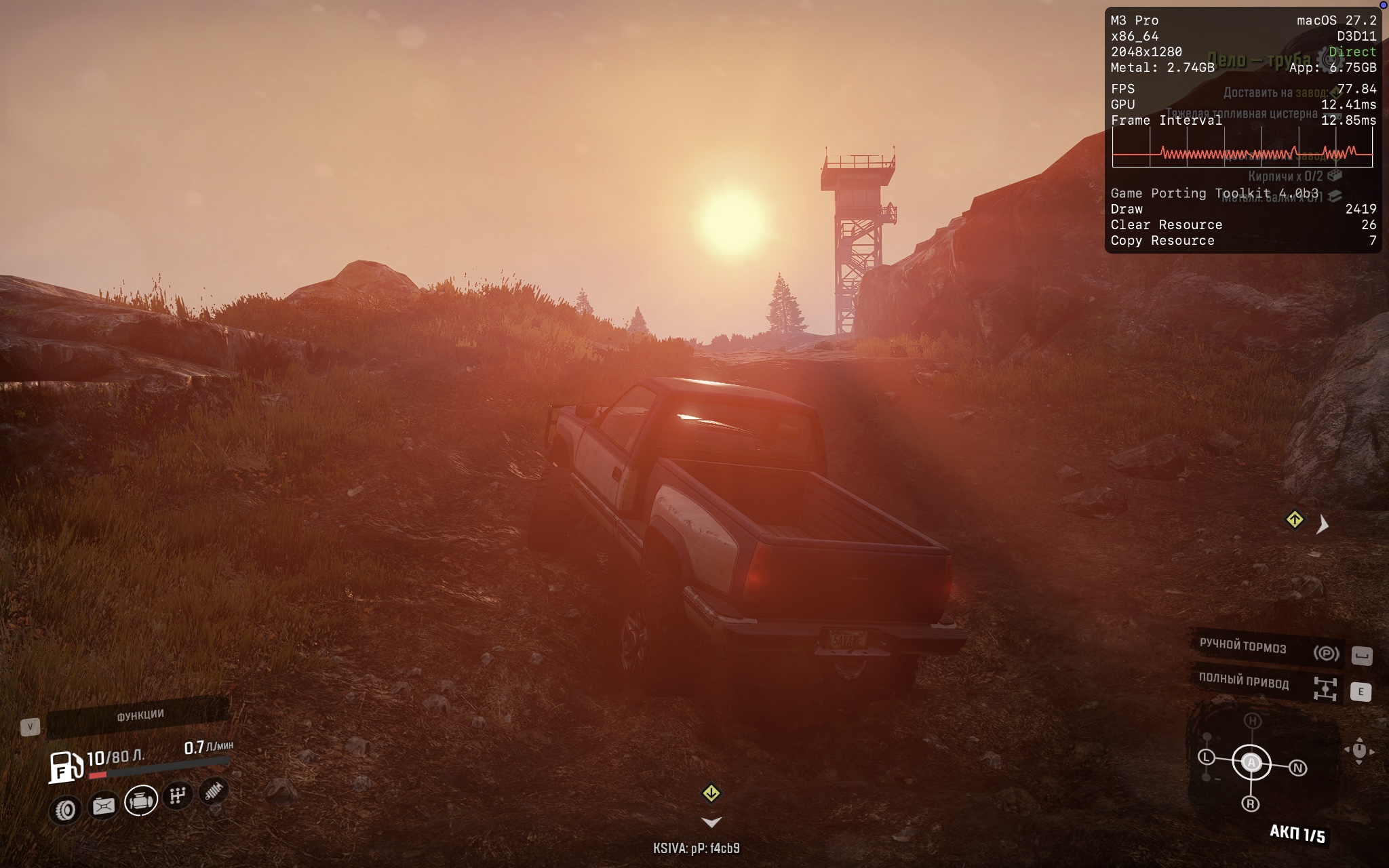
- The game gets stuck on the loading spinner, on the title screen or after you press Continue.
Tested on a MacBook with an M3 Pro, using NotProton and CrossOver 27.0.0.41073.
How to fix it #
The fix is a single file. Download it here: iphlpapi.dll.
In Steam, right-click the game and choose Manage → Browse local files. Open Sources/Bin and copy the file there, next to SnowRunner.exe or Expeditions.exe.
On NotProton, that is all. On CrossOver with Steam inside a bottle, also open Wine Configuration, add iphlpapi on the Libraries tab and set it to Native then Builtin.
A game update or Verify integrity of game files may remove the DLL. If the game gets stuck again, copy it back.
To remove the fix, delete the file. On CrossOver, also remove the iphlpapi entry.
Technical details #
According to Thommykami's analysis1, Wine's UuidCreateSequential takes the node ID from the MAC address of the first adapter returned by GetAdaptersInfo. On macOS the list starts with gif0 and stf0, tunnel interfaces with no MAC address, so every sequential GUID ends in 000000000000. Windows and Linux don't have these interfaces.
Both games fail in their telemetry code. In SnowRunner, the first native call from a BI rule such as Mr2BiSessionRule reaches the game's own dlmalloc and calls free() on a pointer whose bytes are fragments of script strings. In Expeditions, the script stack at the hang ends in TruckStatController.Init from network.backend.bi, and the threads then wait on a critical section. How the zero GUIDs lead to this is not known yet.
The proxy forwards all 165 iphlpapi exports to Wine's own DLL and changes only GetAdaptersInfo: adapters with a real 6-byte MAC go to the front of the list. Building it with GCC 16 needs a small memcpy, because build.sh uses -nostdlib.
The proper fix belongs in Wine: UuidCreateSequential should skip adapters without a MAC address.